Top Tools Used in the Discovery Phase of Software Development
Imagine launching a software project only to hit chaos from unclear goals or misaligned teams. The discovery phase in software development is your foundation, setting up smooth execution. The right software discovery tools make or break this stage, turning scattered ideas into clear plans.
Teams often wrestle with messy communication or vague requirements, but tools fix that. From wireframing to collaboration, we’ll explore four key tool categories to streamline your process. With hundreds of options, picking the right ones feels daunting, but smart choices cut rework and scope creep, saving thousands.
This guide is for project managers, product owners, and devs looking to nail the discovery phase. Ready to discover the best project planning software and collaboration tools for your team’s size and needs? Let’s dive in!
Wireframing Tools
Kicking off the discovery phase in software development? Wireframing tools are your go-to for turning ideas into visual blueprints. The following is a list of the leading wireframing tools.
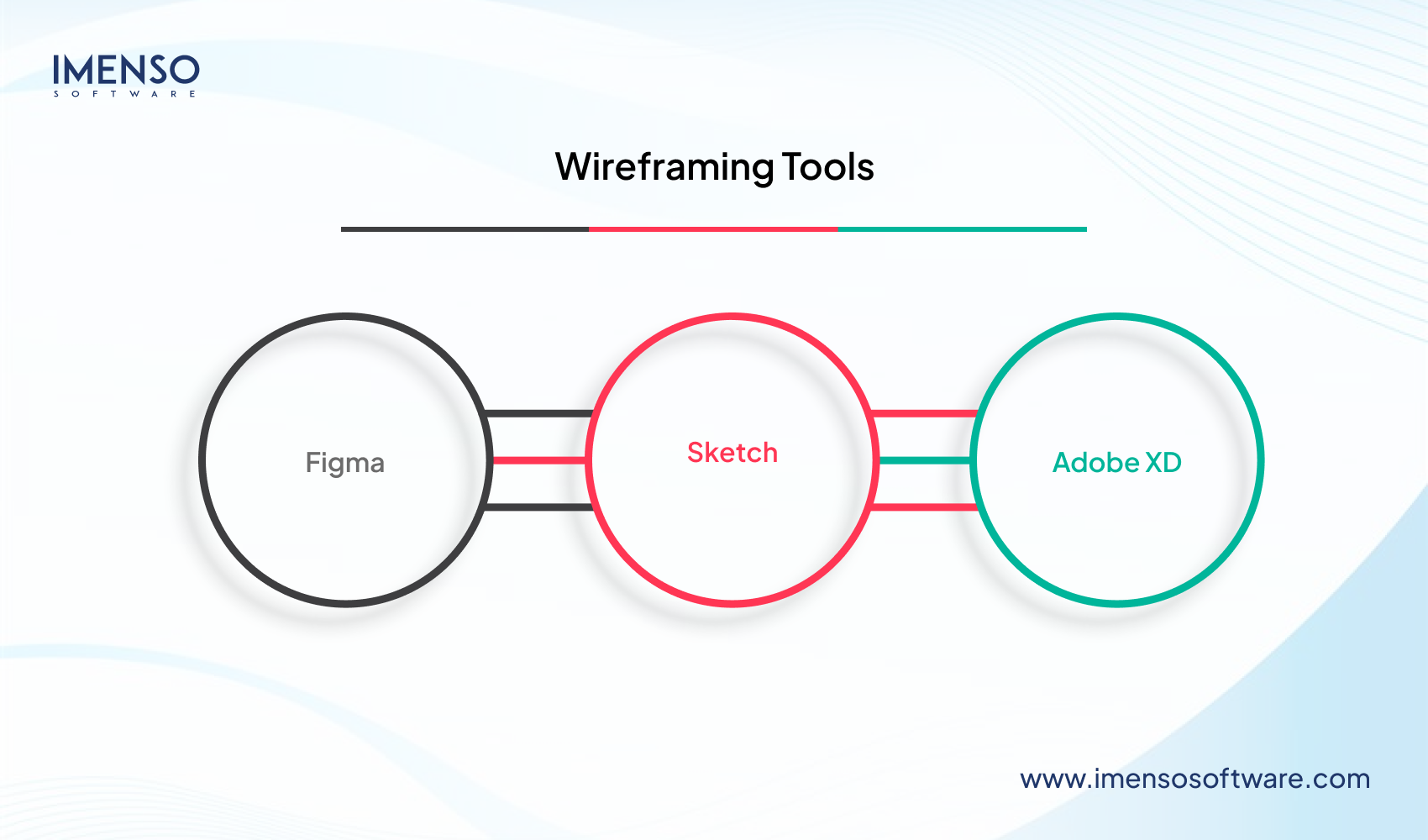
Figma
Figma’s the industry champ, offering real-time collaboration, slick component libraries, and a robust plugin ecosystem. It’s free plan covers three projects, or go Pro for $12/editor/month—perfect for teams needing seamless design-to-dev handoff.
Sketch
Sketch, a Mac-only gem, shines for iOS designers with symbol libraries and advanced prototyping at $99/year. It’s ideal for mobile app workflows.
Adobe XD
Adobe XD, at $9.99/month with Creative Cloud, delivers auto-animate and voice prototyping for dynamic designs.
Each tool streamlines your software design collaboration, but pick based on team needs: Figma for remote teamwork, Sketch for Mac lovers, or XD for Adobe fans. These startup prototyping tools set your project up for success.
Selection Criteria and Use Cases for Wireframing Tools
Picking the right wireframing tool during the discovery phase in software development is a game-changer. Figma shines for large teams with its real-time collaboration and web-based access, plus an easy learning curve for quick onboarding.
Sketch suits smaller, design-savvy Mac teams needing high-fidelity mobile app prototypes but demands more expertise. Adobe XD fits teams tied to Creative Cloud, balancing ease and advanced prototyping.
Consider integration—Figma plays nicely with dev tools like Jira. Need low-fidelity sketches? All three work. For high-fidelity, Figma and XD lead. Budget-wise, Figma’s free tier suits startups, while Sketch’s $99/year or XD’s $9.99/month fit paid needs.
Choose based on team size, platform, and collaboration needs to nail your software design collaboration and boost startup prototyping tools’ impact.
Documentation Tools
Clear documentation is a lifesaver in the discovery phase of software development, keeping your project organized and aligned. Confluence, Atlassian’s wiki-style platform, is a go-to for enterprises. At $5.75/user/month (free for 10 users), it offers templates, hierarchical organization, and Jira integration—perfect for structured workflows.
Notion, at $8/user/month (free for individuals), is an all-purpose all-in-one workspace combining documents, databases, and project management, best suited for small to medium-sized teams that value flexibility. GitBook, at $6.70/user/month (free for open source software), excels for developer-focused teams with support for Git and markdown for API documentation.
You can count on Confluence for large teams, Notion for agile startups, or GitBook for tech-intensive projects to ace your project documentation solutions.
Documentation Best Practices and Tool Selection
Keeping documents during the discovery phase of software development prevents your project from becoming chaotic. Structure content using hierarchical schemes, simple searching, and cross-referencing for rapid access. Utilize version control to monitor changes, sign off on updates, and roll back when necessary.
Maintaining documentation in the discovery phase in software development keeps your project from turning into chaos. Organize content with hierarchical structures, easy search, and cross-referencing for quick access. Use version control to track changes, approve updates, and roll back if needed.
Set access controls to control permissions and lock sensitive information away. Take advantage of templates—user stories or technical specs, for example—to create speed. Applications such as Confluence or Notion play nicely with wireframing and project management tools like Jira, automating workflows.
Real-time editing, commenting, and review processes boost collaboration. Export options like PDFs or presentations make sharing easy. Choose project documentation tools with these features to align teams and drive startup documentation strategies that set your software project up for success.
Project Planning Tools
The discovery stage of software development puts your project on the path to success, and proper planning tools keep it on course. Jira, the agile darling, provides sprint planning, backlog management, and its world-conquering analytics for $7.75/user/month (free for 10 users)—ideal for dev teams in need of powerful issue tracking.
Monday.com, from $8/user/month, introduces visual workflows and automation for hybrid teams seeking ease. Microsoft Project, costing $10/user/month, provides Gantt charts and resource allocation for large enterprise requirements.
Choose Jira for agile accuracy, Monday.com for intuitive visuals, or Microsoft Project for heavy-duty scheduling. These software project planning solutions speed through your discovery phase, allowing for concise roadmaps and seamless execution for startups and large enterprises alike.
Planning Tool Selection Factors
Choosing the right tool for the discovery phase in software development can make or break your project’s flow. Need Agile sprints? Jira’s your go-to solution, but waterfall fans might lean toward Microsoft Project. For small teams, Monday.com’s flexibility shines, while enterprises need Jira’s robust user management.
Reporting is key—look for dashboards and milestone tracking to keep stakeholders happy. Integration matters: ensure compatibility with tools like Confluence or Slack. Customization, like workflow tweaks or automation, boosts efficiency. Budget-wise, compare per-user pricing against flat rates.
Pick user-friendly tools for quick onboarding or advanced ones for complex needs. Pick your project planning tools to streamline startup projects.
Collaboration Tools
Elegant collaboration is the pulse of the discovery stage in software development, and the appropriate collaboration tools keep everyone on the same page. Slack, priced at $7.25/user/month (there is a free tier), dominates with structured channels, file transfers, and an abundance of integrations with other apps—ideal for quick discussions and casual collaboration.
Microsoft Teams, part of Microsoft 365 or $4/user/month on its own, provides video calls and SharePoint integration, best suited for Microsoft-based teams. Zoom, free or $14.99/user/month Pro, is a great video conferencing tool with screen sharing and virtual whiteboards.
Select Slack for faster conversations, Teams for Microsoft ecosystems, or Zoom for feature-rich meetings to fuel your software collaboration tools and make startup project collaboration a breeze. Focus on small to medium-sized businesses or enterprises.
Stakeholder Engagement and Feedback Tools
Getting everyone aligned in the discovery phase in software development is easier with the right tools. Miro and Mural shine for digital whiteboarding, turning brainstorming sessions into visual gold. UserVoice and Canny streamline feedback, helping prioritize features with stakeholder input.
Calendly or Acuity make scheduling interviews a breeze, while Google Forms and Typeform simplify requirements surveys. Real-time collaboration—like screen sharing and instant editing—keeps discussions live and productive.
Tools with meeting notes and action item tracking, like Miro, integrate seamlessly with documentation.
Choose stakeholder engagement tools with user-friendly interfaces to include non-tech folks, ensuring your software feedback tools drive clarity and startup collaboration platforms boost project success.
Powering Your Discovery Phase with the Right Tools
The discovery phase in software development thrives with integrated tools that streamline workflows. These software discovery tools, costing just a fraction of your budget, save hours and reduce revisions by aligning teams.
For example, you can pick tools based on your team size, methodology, and integrations. Like the combination of Figma, Notion, and Slack can work best for small teams, the combination of Figma, Confluence, Jira, and Teams can work for medium-sized teams; and Adobe XD, Confluence, Microsoft Project, and Teams can be suitable for enterprises.
Start with one tool per category, measure time savings and stakeholder satisfaction, then scale up. Allow setup time for smooth onboarding. Smart project tool integration drives startup software efficiency and sets your project up for success.
Ready to Accelerate Software Development with Smarter Tools?
Contact Experts for Consultation
Software Discovery Tools – FAQs
1. What are the most important tool categories for the software discovery phase?
The four most important categories are wireframing tools (such as Figma, Sketch, Adobe XD), documentation tools (Confluence, Notion, GitBook), project planning tools (Jira, Monday.com, Microsoft Project), and collaboration tools (Slack, Teams, Zoom). These categories collaborate to take fragmented ideas and turn them into coherent plans, enhance team communication, minimize scope creep, and optimize workflow in the all-important discovery phase of software development.
2. How do I select the appropriate wireframing tool for my team?
Take into consideration team size, platform affinity, and collaboration requirements. Figma is ideal for remote teams with web access and real-time collaboration at $12/editor/month. Sketch is ideal for Mac-exclusive teams designing mobile apps at $99/year. Adobe XD is suitable for Creative Cloud users at $9.99/month with rich prototyping. Consider the capabilities of integration with development tools, budget, and the need for low or high-fidelity prototypes.
3. How do documentation tools such as Confluence, Notion, and GitBook differ?
Confluence ($5.75/user/month) is business-oriented with formal workflows and integration with Jira. Notion ($8/user/month) provides an adaptable all-in-one workspace with documents, databases, and project management for small to medium teams. GitBook ($6.70/user/month) is geared towards developer teams with Git integration and markdown support for API documentation. Select according to team size, technical needs, and integration with the existing tool ecosystem requirements.
4. How should I integrate multiple discovery tools for maximum efficiency?
Begin with one tool per category for team size and methodology. Figma + Notion + Slack suit small teams. Figma + Confluence + Jira + Teams suit medium teams. Enterprises can use Adobe XD + Confluence + Microsoft Project + Teams. Prioritize tools that integrate well with each other, track time savings and stakeholder satisfaction, and expand incrementally with provision for setup time for seamless team onboarding.


Similar Posts
ReactJS vs AngularJS vs VueJS – An extensive comparison
While the JavaScript frameworks continue to dominate development space, all the JS frameworks do not stand equal in respect of fulfilling necessity of all projects. While React JS and Angular JS continuously get support from developers worldwide, according to many the small and neat team of VueJS actually helped the framework to keep them the […]...

From Data Breaches to Ransomware: Cybersecurity in the Age of Software Development
In today’s digital age, software development is more integral to our lives than ever before. From mobile apps to web platforms and even the Internet of Things (IoT), software powers the world around us. However, as offshore software development continues to evolve, so do the threats it faces. Cybersecurity is of paramount importance in this […]...

How AI is Shaping the Next Generation of Software Development
Artificial intelligence is the most discussed topic in technology. It is frequently the subject of office conversations on Slack. International headline news also features artificial intelligence. AI technology continues to witness significant development and rapid growth. ChatGPT’s success, with over a hundred million users in two months, has flagged the manner for sustained boom and […]...