Cost to Build a SaaS Product from Scratch in 2025 — Complete Guide
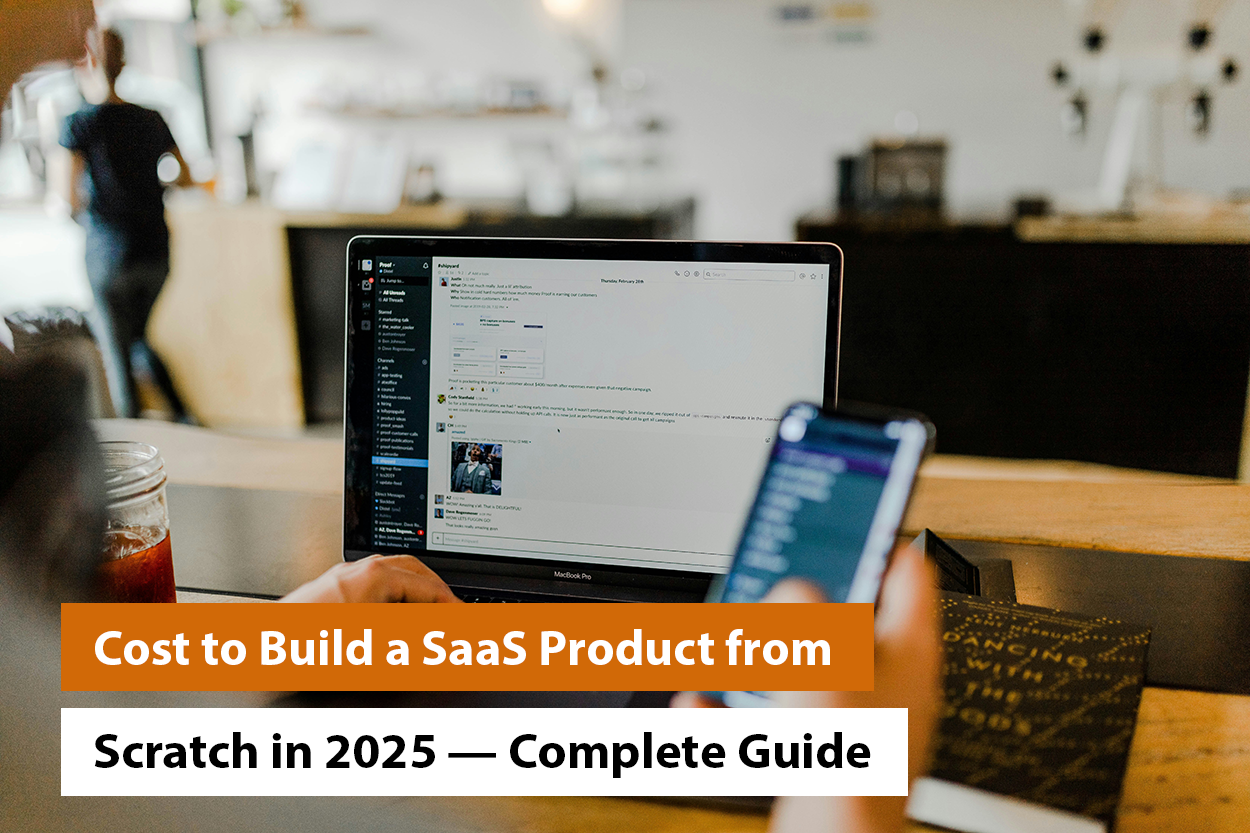
Finally decided to build a SaaS product from scratch? Ask yourself, how much does it cost? Also, before directly diving into the figures, you need to know “Why” & “How” this one decision of building a SaaS product will multiply your profits several times.
Surprise yourself that the industry has an end-user spending of 597.3 billion in 2023.
Additionally, if you want to follow the latest industry trends, considering the cost of building a SaaS product becomes inevitable.
So, let’s discuss how to evaluate the cost to build a SaaS product from scratch and many other aspects in this guide.
Key Takeaways
|
What is a SaaS Product And Why It’s Costly to Build in 2025?
SaaS (Software as a Service) is the digital backbone of today’s work, play, and everything in between. Whether it’s managing your team in Notion, automating your sales in HubSpot, or collaborating in Slack, SaaS apps power the way businesses operate in the cloud. Users simply log in through a browser and pay a subscription fee, instead of downloading the software. Simple, right?
But building a SaaS product in 2025? That’s a different story. Modern users expect more than just a functional tool; they want:
- Blazing-fast performance
- Seamless mobile and desktop sync
- Wonderful UI
- Bank-grade security
- AI that feels human, not robotic
Plus, SaaS products need to handle:
- Recurring billing
- Account management
- Real-time collaboration
- Complex user permissions
- Third-party integrations
- Ongoing updates and scaling
This means that behind every smooth SaaS interface is a complex engine of front-end logic. Along with this, it has backend architecture, cloud infrastructure, and data security layers all working around the clock.
So while the idea might start on a napkin and turn it into a product. It survives and thrives in the market with significant planning, deep tech, and yes, a serious budget.
Top Cost Factors That Impact SaaS Development
Before you throw a number at your SaaS budget, know this. Not all SaaS apps are built equal, and not all dollars are spent in the same way. In 2025, building a competitive SaaS product is like assembling a high-performance machine. Here’s what moves a needle the most:
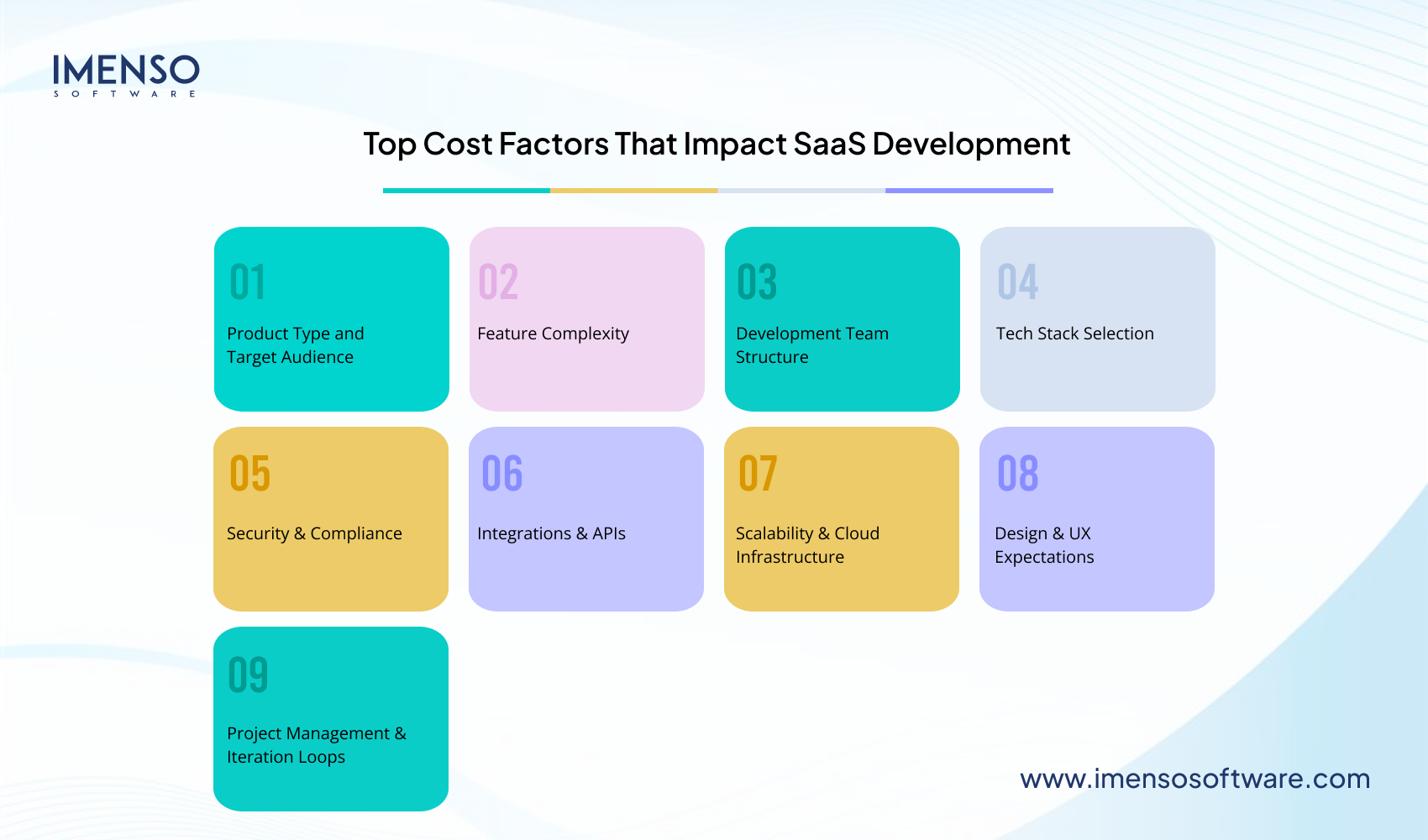
- Product Type and Target Audience
- Feature Complexity
- Development Team Structure
- Tech Stack Selection
- Security & Compliance
- Integrations & APIs
- Scalability & Cloud Infrastructure
- Design & UX Expectations
- Project Management & Iteration Loops
You need to plan around these to ensure that your SaaS product won’t get expensive.
How Much Does It Cost to Build a SaaS Product?
Well, building a SaaS product is no longer just a weekend project and a code sprint. Every feature you dream up has a price tag.
Here’s a breakdown to turn that idea in your notebook into a reality.
| Element | Cost Range | Descriptions |
| UI/UX Design | $5,000–$25,000 or more | A clean interface is necessary for that first impression. Your design needs to be intuitive and modern to prevent users from bouncing. Think of custom branding, interactive wireframes, and responsive layouts. |
| Frontend & Backend Development | $40,000–$150,000 or more | This is the engine under the hood. The cost varies on what you’re building:
|
| Cloud Infrastructure & DevOps | $5,000–$20,000 | Set up CI or CD pipelines and deploy microservices. Try to automate backups and prepare for high traffic. |
| QA Testing & Bug Fixing | $5,000–$15,000 | Testing means delivering confidence to the users along with squashing the bugs. Work from functional testing to edge case hunting and device compatibility to ensure quality assurance and prepare yourself to kick out any post-launch troubles. |
| Security, Compliance & Data Protection | $5,000–$25,000 | Users trust you with their data, so you better earn it. Add costs for encryption, secure logins, data privacy, legal docs, and maybe a compliance framework or two. |
| Project Management | $5,000–$20,000 | You need someone to keep the devs, designers, testers, etc., in sync. This will ensure smoother sprints and fewer delays, saving more cash. |
Here’s what could be the approximate price range of the SaaS products:
- The estimated cost range for a basic MVP is $60,000–$80,000.
- The estimated cost range for a mid-tier SaaS is $80,000–$150,000
- The estimated cost range for a complex or enterprise-level is $150,000–$300,000 or more
Your app doesn’t need to do everything in version 1. It needs to solve one problem beautifully. The leaner your focus, the lighter your bill!
SaaS Costs by Complexity of Your Product
First, get to know this. Not all SaaS products are built the same, and they don’t all cost the same either. So, you need more people and tech it takes to develop for a complex vision.
Here’s a quick breakdown based on the size and scope of what you’re building:
1. The MVP
- The estimated cost will be around $50,000–$80,000.
- Timeline will be approx. 3 to 6 months
- Perfect for testing an idea and attracting early adopters, also for becoming investor-ready.
You’re building the bare essentials with one or two core features, basic user flows, and maybe a dashboard. Think of:
- Sign up or log in
- Core functionality, e.g., task creation, file upload
- Lightweight UI
- Basic admin panel
- Manual or simplified backend processes
Goal: Launch fast and learn faster. Also, spend less and validate more.
2. The Mid-Tier Product
- The estimated cost will be around $80,000–$150,000
- Timeline will be approx. 6 to 9 months
- Perfect for startups with traction or funding, so you will be ready to serve real customers.
You’re adding depth and polish:
- Multiple user roles
- Third-party integrations like Slack, Stripe, and Zapier
- In-app analytics
- Subscription billing
- Role-based access and permissions
- Mobile responsiveness or a hybrid app
Goal: Build a product that feels polished and scalable. Also, something ready for paid users.
3. The Enterprise-Ready SaaS
- The estimated cost will be around $150,000–$300,000+.
- Timeline will be approximately 9 to 18 months
- Perfect for funded startups and scale-ups. Businesses targeting big clients can also consider this.
You’re building for scale, speed, and security. Expect:
- Multi-tenant architecture
- Advanced reporting and analytics
- Custom integrations and APIs
- Single Sign-On (SSO), 2FA, audit logs
- Compliance with SOC2, HIPAA
- Dedicated DevOps and infrastructure scaling
Goal: Deliver rock-solid performance with enterprise-level reliability and trust.
Don’t overbuild for where you are now; build smart about where you need to go next. A tight MVP with focused features often outperforms a bloated product full of bells and whistles no one asked for!
The Tech Stack Behind Your SaaS and How It Affects Your Wallet?
Let’s be honest, every choice you make affects your timeline, your hiring options, and yep, your budget.
Here’s what most founders learn the hard way: your tech stack decisions have real financial consequences. So let’s get to know what those choices could cost you.
| Tech Stack | Description | Tools | Why It Matters? |
| Frontend Frameworks | This is the part of your app that users interact with: buttons, forms, dashboards, and animations. It has to look good and feel fast. |
|
The more popular the framework, the easier it is to find developers and the less they’ll charge per hour. You’ll also spend less time reinventing the wheel with common UI components. |
| Backend Frameworks | If the frontend is the face of your app, the backend is the brain that handles the heavy lifting, storing data, running logic, managing users, and more. |
|
Some frameworks help you ship fast, but scaling later can get pricey. Others take longer upfront but save money as you grow. Choose based on your vision and how fast you need to move. |
| Databases | Every button click, message, profile, or payment needs to go somewhere. That’s your database. |
|
Managed databases like Firebase or MongoDB Atlas save time early on, but the recurring costs sneak up as you scale. |
| APIs & Integrations | Let’s face it, you’re not building everything from scratch. And that’s a good thing. |
|
Many APIs start cheap or even free. But once your usage spikes, so do your monthly bills. Know what you’re signing up for. |
| AI Tools | If you want to add AI-powered features like chatbots, personalization, or document search, you’ll need to tap into tools |
|
You can get started quickly with APIs, but usage-based pricing adds up fast. Custom AI? That’s a serious investment. |
| Cloud Hosting | No more physical servers. Your SaaS will probably live on the cloud |
|
Most cloud platforms charge based on usage. Forget to optimize your app, and your bills can double overnight. |
| Serverless vs Containers | This is how you deploy your code and keep it running |
|
Serverless is perfect for MVPs. But once your app gets big, you’ll have to switch to containers and that may require hiring or contracting DevOps pros. |
Choose tools your team knows well and match your product’s complexity. Also, that won’t break your budget as you grow. Cutting-edge is great, but proven and maintainable often wins in the long run.
Must-Have Features That Drive Up SaaS Development Cost
Here’s the thing: it’s easy to get excited about features when you’re dreaming up your SaaS. But each checkbox you add, irrespective of its size, increases more dev time, more testing, more design, and yep… more money.
Let’s break down the core features most SaaS apps need and how they affect your overall build cost.
| Features | Description | Why does it cost? |
| User Authentication & Access Control | This is the gatekeeper to your app. And no, “just let them sign in with email” doesn’t cut it anymore.
|
Each layer of login security adds dev time and testing, especially if you’re supporting multiple roles and permissions. |
| Subscription Management & Billing | If you’re charging money and you should, you’ll need a system to handle payments, trials, upgrades, downgrades, and invoicing.
|
Payment systems touch legal, security, and UX, so they require careful setup, testing, and monitoring. |
| Dashboards & Analytics | Users expect to see value instantly. That means clean, interactive dashboards.
|
Dynamic dashboards need backend smarts and front-end finesse. Also, the more “real-time” you go, the more infrastructure you’ll need. |
| Notifications & Alerts | Users want to know what’s happening via app pop- emails ups or push notifications.
|
|
| File Uploads & Media Handling | If your app allows users to upload images, documents, or videos, that opens up a new set of challenges.
|
File handling sounds simple but quickly adds backend complexity, especially when dealing with security and access control. |
| Third-Party Integrations | Modern SaaS isn’t a standalone tool, it connects with others.
|
Each integration takes time to research, implement, test, and maintain, especially if the other service changes its API. |
| AI & Personalization Features | AI is no longer a “wow” feature, it’s increasingly expected.
|
Even though APIs like OpenAI’s are quick to implement, you’ll pay per usage and you may need additional backend support to make it actually useful. |
| Admin Panel | Even, if users never see it, you need it to run the show.
|
Building a good admin panel saves you time later—but it often gets overlooked until it’s too late. |
| Mobile Responsiveness or an Actual App | Your users aren’t all on laptops. They’re checking your app in line at Starbucks, in meetings, or on the couch.
|
Designing for mobile is a whole separate layer of effort, and building native apps means maintaining separate codebases. |
Every feature adds to your cost, so focus on features that directly support your users’ core problem, not what looks good on a pitch deck.
When in doubt, ask: Will this move the needle now, or is it something I can build once I have traction?
The Hidden & Ongoing Costs of Building and Running a SaaS Product
You’ve scoped your features, hired your devs, and launched your shiny new SaaS.
But wait, why are your expenses still climbing?
Here’s the truth: most founders don’t hear up front: the build phase is just the beginning. Once your app is live, a whole new category of costs kicks in. Some are obvious. Others sneak in like background app updates and slowly drain your runway.
Let’s talk about the big ones:
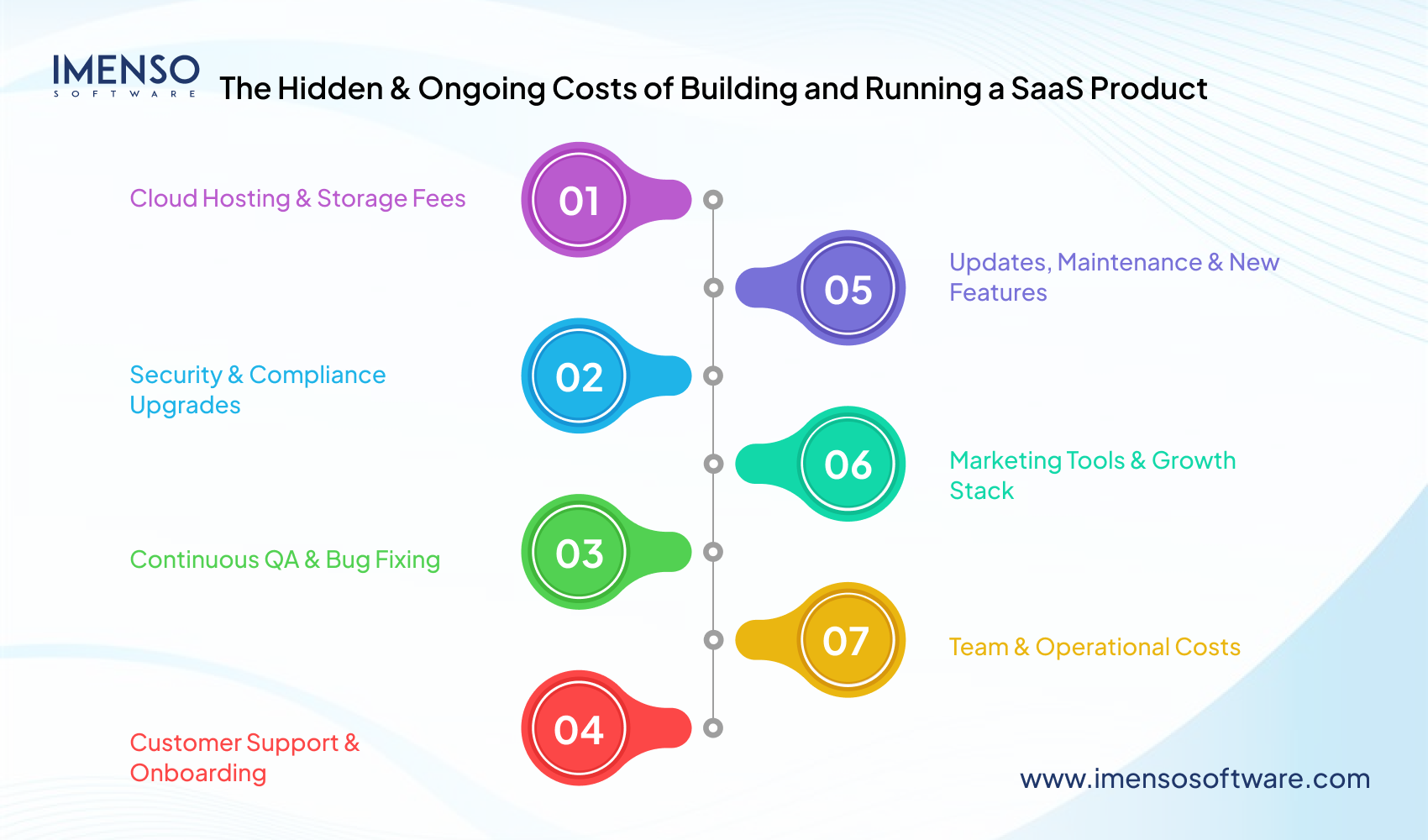
1. Cloud Hosting & Storage Fees
Your app runs on servers. Servers need resources. And resources cost money, especially as your user base and data grow.
- AWS, Google Cloud, Azure: pay-as-you-go pricing
- Monthly fees for storage, bandwidth, and traffic spikes
- File uploads and backups mean higher cloud bills
You might launch spending $100/month and hit $1,000+ faster than you expect.
2. Security & Compliance Upgrades
Security isn’t a one-time thing. As you grow, your responsibilities grow too.
- Penetration testing
- Encryption updates
- Compliance tools such as, SOC2, HIPAA, GDPR, etc.
- Security audits
Miss this, and you’re not just risking data, you’re risking trust and legal trouble.
3. Continuous QA & Bug Fixing
Bugs don’t stop after launch. New ones often pop up after users show up.
- Cross-browser/device testing
- Regression tests after every update
- Hotfixes and patch releases
You’ll either need a dedicated QA resource or spend dev time chasing bugs.
4. Customer Support & Onboarding
User questions don’t answer themselves, and “just email us” isn’t a real support system.
- Chatbots, help desk tools such as Zendesk, and Intercom.
- Support reps or virtual assistants.
- Knowledge bases and onboarding videos.
Support isn’t just a cost; it’s a retention strategy. But it still costs money.
5. Updates, Maintenance & New Features
Tech moves fast. So do user expectations.
- Regular updates to stay compatible with browsers, OS, APIs
- Fixes when third-party services, like Stripe or Slack change something
- New feature requests and UX polish
If you’re not evolving, you’re falling behind. And evolution means developer hours.
6. Marketing Tools & Growth Stack
Launching is one thing. Growing? The whole original game.
- CRM, email marketing, analytics, SEO tools
- Ad spend, content creation, and landing pages
- Referral programs, affiliate tools
Even if you’re bootstrapped, growth costs something, whether it’s time, tools, or both.
7. Team & Operational Costs
As you scale, so does your team, and so do your internal tools.
- Slack, Notion, GitHub, Linear, Zoom
- Payroll, legal, and accounting software
- HR tools for managing remote contractors or employees
Tiny subscriptions stack up. Be ready!
Your SaaS isn’t a “set it and forget it” machine; it’s a living product. And living things need care, attention, and resources.
| Best tip
Budget at least 15–25% of your initial build cost per year for ongoing operations. That’ll give you breathing room when those surprise costs show up. |
How to Reduce SaaS Development Costs Without Sacrificing Quality?
Let’s be real, SaaS development isn’t cheap. But that doesn’t mean you have to break the bank or cut corners. The smartest founders know where to trim fat without weakening the core of the product.
Here’s how to build lean, launch fast, and keep the quality intact:-
1. Start with a Laser-Focused MVP
You don’t need all the bells and whistles on Day-One.
Focus on solving one obvious problem with one killer feature.
- Build just enough to test your core value
- Save the “nice-to-haves” for version 1.1
- Get feedback fast and iterate
The smaller your MVP, the faster and cheaper you learn.
2. Consider a Hybrid Team Model
Hiring an in-house team is expensive. Going fully offshore can feel risky.
But a hybrid setup, e.g., local PM and remote devs gives you the best of both worlds.
- Cost-effective without losing control
- Smooth communication + lower hourly rates
- Easier to scale up or down as needed
This model is wildly popular with SaaS startups in 2025 for a reason.
3. Use Pre-Built Tools and APIs
You don’t need to reinvent login systems, payment flows, or email notifications.
Leverage rock-solid tools that already exist:
- Auth0 or Clerk for user management
- Stripe or Paddle for billing
- SendGrid, Postmark, or Twilio for messaging
- OpenAI, LangChain, or HuggingFace for AI features
Buy what’s boring, build what’s brilliant.
4. Adopt a Modular Architecture
Build your app in pieces, not a monolith.
- Easier to maintain.
- Cheaper to replace/update individual modules.
- Faster to scale different features.
A modular approach means lower technical debt over time.
5. Automate Testing Early
QA might feel like something you do later, but catching bugs early saves huge costs down the line.
- Use tools like Cypress, Playwright, or Jest for automation.
- Run continuous integration pipelines with tools like GitHub Actions or CircleCI.
Buggy apps cost more to fix than they do to test.
6. Prioritize Features Based on ROI
If a feature doesn’t move the needle for users or revenue, delay it.
- Use customer interviews, surveys, and analytics to decide
- Rank features based on value, not “coolness.”
- Build with intent, not ego
Just because you can build it doesn’t mean you should, at least not yet.
7. Go Web-First, Then Mobile
Mobile apps are great, but they double your dev and maintenance load.
For early stages, a responsive web app often does the trick.
- Works across devices
- One codebase to manage
- Users still get a great experience
Cutting costs doesn’t mean cutting quality; it means being intentional.
Be ruthless about what you build now vs. later. Use trusted tools. And build a team structure that fits your phase.
SaaS Development Cost Case Studies
1. Messaging App (Slack Clone)
Original SpdLoad Estimate: $70,000–$100,000
Upgraded Insight: Building a Slack-style platform includes:
- Real-time messaging, i.e., text, voice, video
- Channel management and private groups
- Notifications via email and in-app
- Rich integrations, e.g., bots, file uploads
- Reminders, user profiles, search
- Scalable backend for concurrent users
Enhanced Budget View: With real-time synchronization, push notifications, integrations, and voice/video, an MVP realistically lands at $100K–$150K, especially if based on a structured tech stack like WebSocket-enabled Node.js/Python and a developer team with experience in live-systems and integrations.
2. Email Marketing Platform (Mailchimp Clone)
Original SpdLoad Estimate: $80,000–$100,000
Upgraded Insight: For typical Mailchimp features:
- Campaign builder, templates, A/B testing
- Contact segmentation, RSS-to-email, geolocation personalization
- Scheduling, email pipelines
Plus, you’d need backups, analytics dashboards, user-role access, and SMTP or third-party mail services, e.g., SendGrid. That combination reliably places development costs at around $120K–$180K for a quality MVP, leveraging experienced email/SaaS developers.
3. CRM System (Pipedrive Clone)
Original SpdLoad Estimate: Starting at $60,000
Upgraded Insight: Building a CRM includes:
- Lead/contact management with pipeline visualization
- Calendar integrations and reporting/analytics
- Marketing automation flows, customer support ticketing
- Integrations with email, social media, and support tools
A well-structured CRM MVP falls into the $80K–$120K range, given the need for reliable integrations and secure, scalable data models.
The Real Cost of Building a SaaS in 2025
So, how much does it cost to build a SaaS product from scratch? As stated in the beginning, you can expect anywhere from $50,000 to $300,000+. But the smartest founders know it’s not just about cash. It’s about smart decisions, timing, and staying lean until it’s time to scale. Keep it focused. Build what matters. Grow with intention.
Ready to turn your idea into something real? Let’s start today.
FAQs
Q1. What is the average cost of building a SaaS product in 2025?
A: Most MVPs cost between $50,000 and $150,000, while full-scale SaaS platforms with advanced features can go up to $300,000 or more, depending on complexity, team location, and integrations.
Q2. Can I build a SaaS app with a $20K–$30K budget?
A: Yes, but only if you keep it lean, one core feature, minimal design, and a small remote team. Think MVP, not full product.
Q3. How long does it take to develop a SaaS product?
A: Typically, 3 to 9 months, depending on the feature set, tech stack, and whether you’re building from scratch or using existing tools.
Q4. What’s the most expensive part of SaaS development?
A: Custom features, backend infrastructure, user roles/permissions, AI integrations, and payment systems tend to drive costs up the fastest.
Q5. How can I reduce development costs without hurting quality?
A: Here are a few tips you can implement to reduce development cost:
- Start with an MVP
- Use pre-built tools or APIs
- Hire a hybrid or offshore team
Focus only on must-have features for launch
Want more information about our services?
Similar Posts
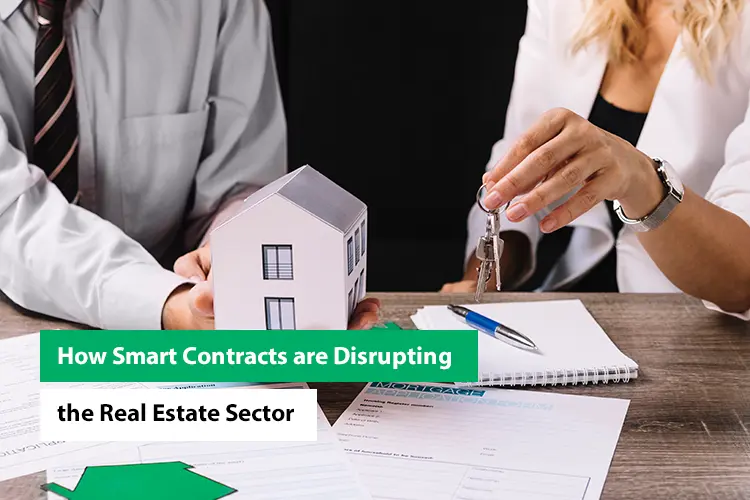
How Smart Contracts are Revolutionizing the Real Estate Sector
Are you tired of the cumbersome processes, excessive paperwork, and exorbitant costs associated with real estate transactions? Have you ever wondered if there’s a better way to buy or sell property in today’s digital age? Well, you’re not alone. In fact, according to recent studies, the real estate industry is plagued by inefficiencies, with an […]...

Biggest Challenges in Mobile App Development in 2023
Both start-ups and established businesses strive to create a market-leading app. Since the number of app downloads increases each year slightly, this is not surprising. The number was as high as 230 billion in 2021 and is still rising. Creating a mobile app can be remunerative....

How To Choose The Best Offshore Software Development Services
Today’s IT companies spend much time, energy, and money trying to stay one step ahead of the competition. There is no other option but to stand out by utilizing reliable, creative, and economical development approaches, such as offshore development services, as the software market grows more crowded....